All help topics
Getting started
Signing in and your address
Your business's own address, signing in, forgotten passwords and joining a team.
Your business's address
Every business on ArtworkDesk has its own address, chosen when the account is created, for example northside.artworkdesk.com. You and your team sign in there, and every link you send to customers uses it.
To change your address, contact support. You can't change it yourself, because links you've already sent to customers would stop working.
Signing in
Go to your address and enter your Email and Password, then click Sign in. Keep me signed in is ticked to start with; untick it on a shared computer.
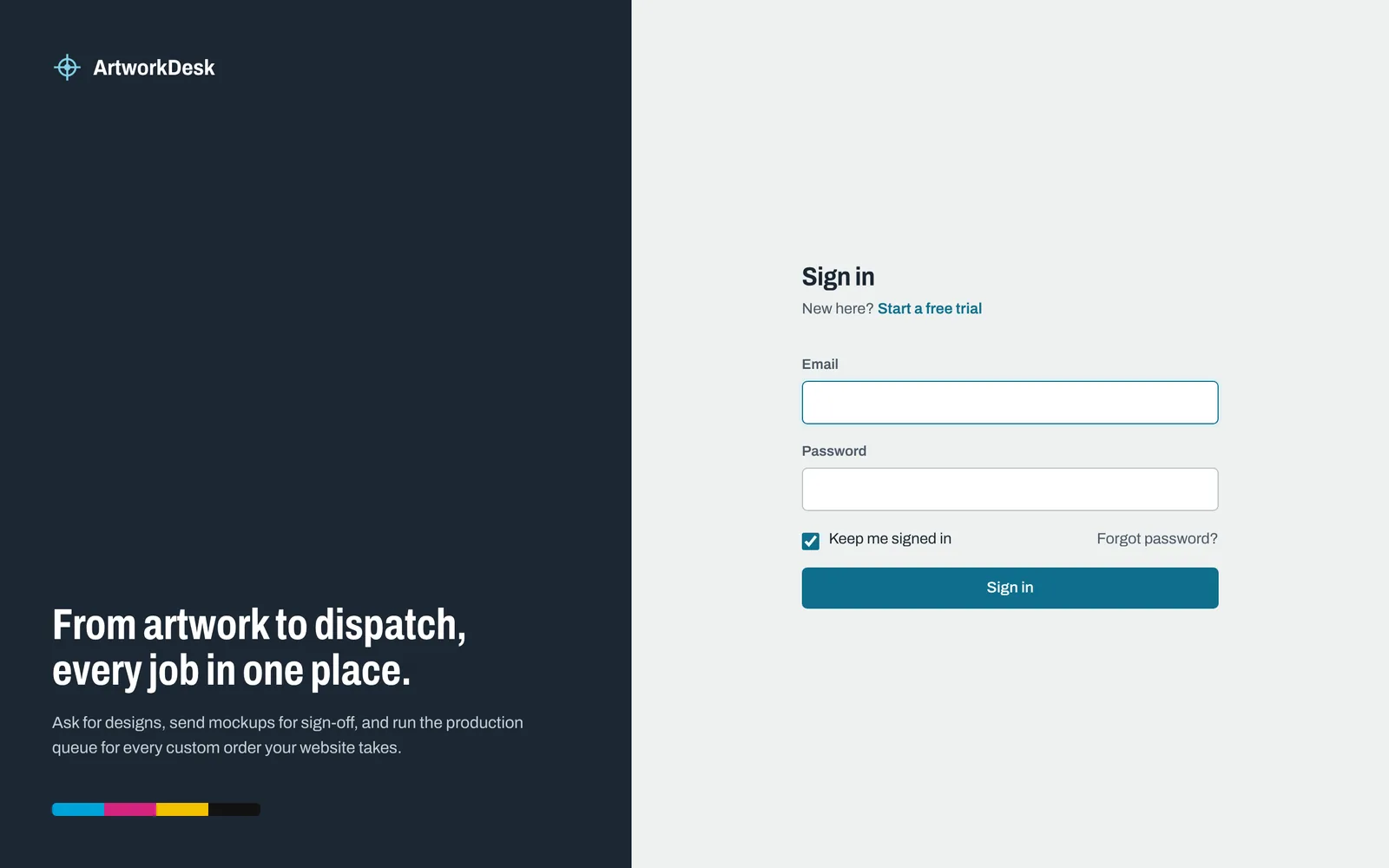
You can only sign in at your own business's address. If you try another business's address, ArtworkDesk tells you where to sign in instead.
Forgotten your address?
Go to app.artworkdesk.com/login. You can either:
- type your address (the part before .artworkdesk.com, for example northside) under Go to your address and click Go, or
- enter your email under Email me my sign-in page and click Send me the link. If the email has an account, we'll send a link to your sign-in page.
Forgotten your password?
On your sign-in page, click Forgot password?, enter your email and click Email me a reset link. The link in the email works for 60 minutes. Choose a new password of at least 10 characters and click Save password.
If the link has expired or been used, ask for a new one.
Joining a team
When someone invites you, you'll get an email called "Join (business name) on ArtworkDesk". Click Accept the invitation, enter your name and choose a password, then click Join the team. You're signed straight in.
Invitations last 7 days. If yours has expired, ask the person who invited you to send a new one.
Starting a new account
New businesses sign up at app.artworkdesk.com/register. You choose your business name and your address (3 to 30 letters, numbers or hyphens), and get 14 days free with no card needed. See Plans, billing and cancelling.
Still need help? Email [email protected] with your business's address and what you were trying to do.