All help topics
Customers
Customers
Customer records, their price book, their page of all orders, and deleting a customer.
Click Customers in the sidebar to see everyone you've done work for. Search by name, company or email.
Adding a customer
Click Add customer, or Add a new customer while creating an order or quote.
| Field | What it's for |
|---|---|
| Contact name | The person you deal with. Required. |
| Company | Optional. |
| Required. Artwork requests, mockups, quotes and dispatch emails go here. | |
| Phone | Optional. |
| Billing address and Delivery address | Leave the delivery address empty to use the billing address. New orders fill in the delivery address from here. |
| Price book | Leave as Default prices, or choose another book to give this customer different prices on quotes. |
| Notes | Only your team sees these. |
The customer's page
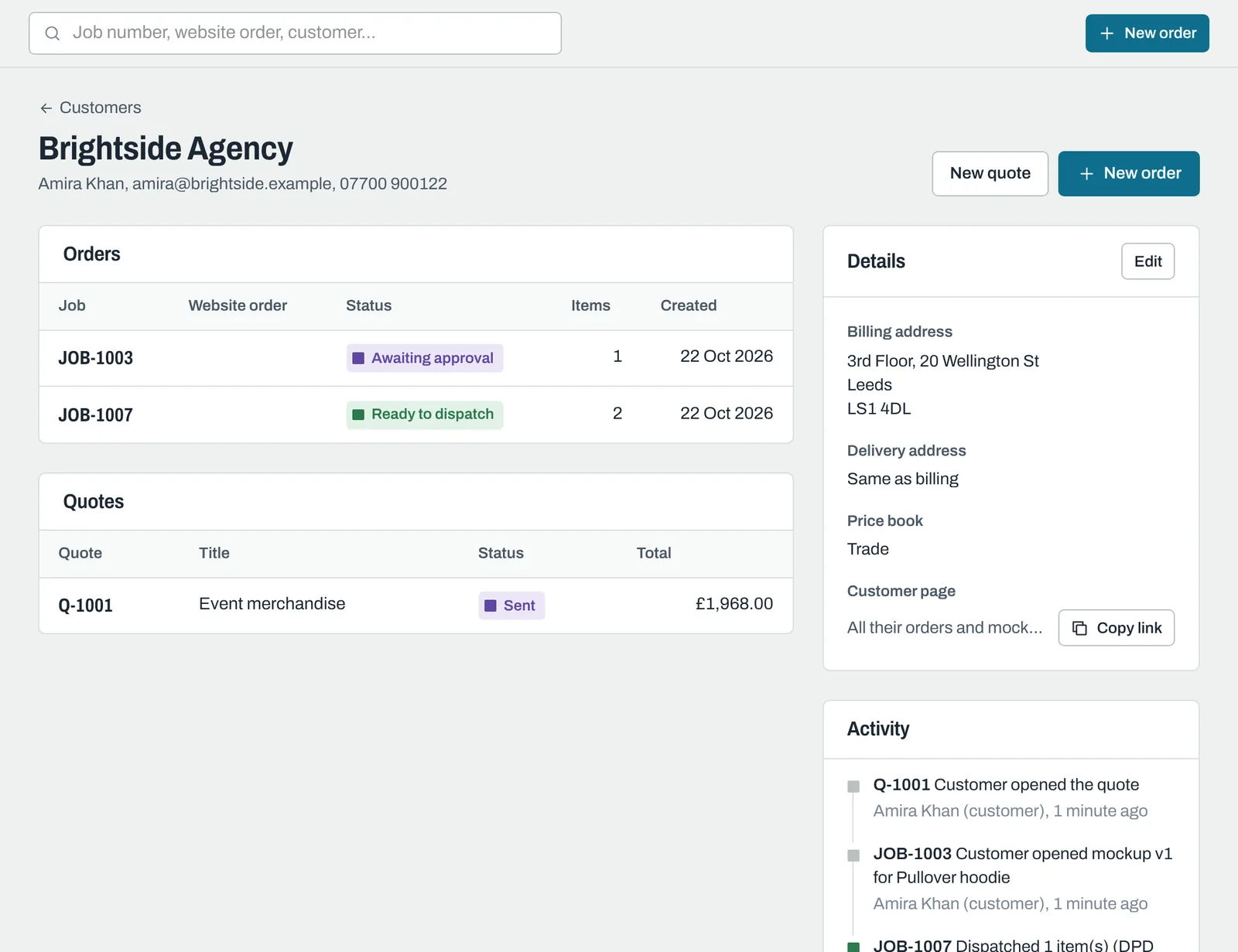
Click a customer to see their orders and quotes, their details, and recent activity across all their jobs. New order and New quote start one for them.
Their page of all orders
Under Customer page, click Copy link to copy a link to one page listing all their orders and quotes, with prompts for anything waiting on them. It's never sent automatically: paste it into an email when it's helpful, for example for a regular customer with several jobs on the go.
Deleting a customer
Open the customer and click Delete customer at the bottom of the page. Their past orders and quotes are kept, and the links to individual orders keep working, but you can no longer choose them for new work and their all-orders link stops working.
Still need help? Email [email protected] with your business's address and what you were trying to do.