All help topics
Settings and account
Your profile, password and alerts
Change your name, email and password, and choose whether you get alert emails.
Click your name at the bottom of the sidebar to open Your profile. Everyone can change their own details.
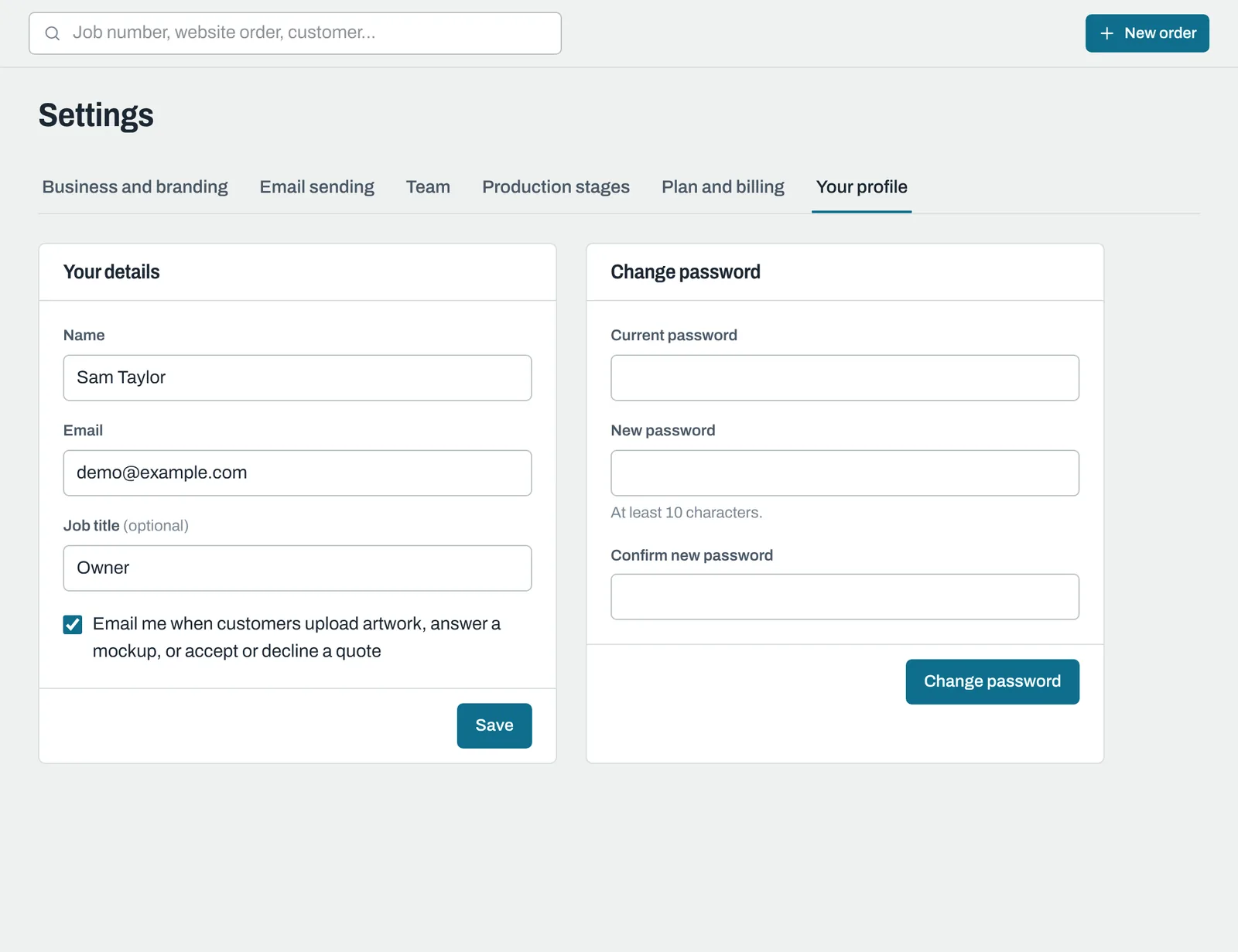
Your details
Change your Name, Email or Job title and click Save. Your email is what you sign in with, so you'll use the new one next time.
Alerts
Tick Email me when customers upload artwork, answer a mockup, or accept or decline a quote to get an email whenever a customer does one of those things. Each alert has a button that opens the order or quote.
Alerts are for Owners, Admins and Sales and design. If your business sends all alerts to a shared address (set in Send team alerts to in Business details and branding), you'll see a note saying so, and this tick box doesn't apply.
Changing your password
Under Change password, enter your Current password, then a New password of at least 10 characters twice, and click Change password.
Forgotten it? Sign out and use Forgot password? on the sign-in page. See Signing in and your address.
Still need help? Email [email protected] with your business's address and what you were trying to do.